In field trials
Fibre Optic Intrusion Detection System (FOIDS)
Abhedya L100
Fibre optic perimeter detection without the cost of a DAS platform
Perimeter Intrusion Detection System (PIDS)
Know the difference between an intrusion and the weather
Most perimeter systems fail not because they miss intrusions but because they report too many. Wind, rain, passing traffic and settling fences generate alarms until operators stop trusting the system and start ignoring it.
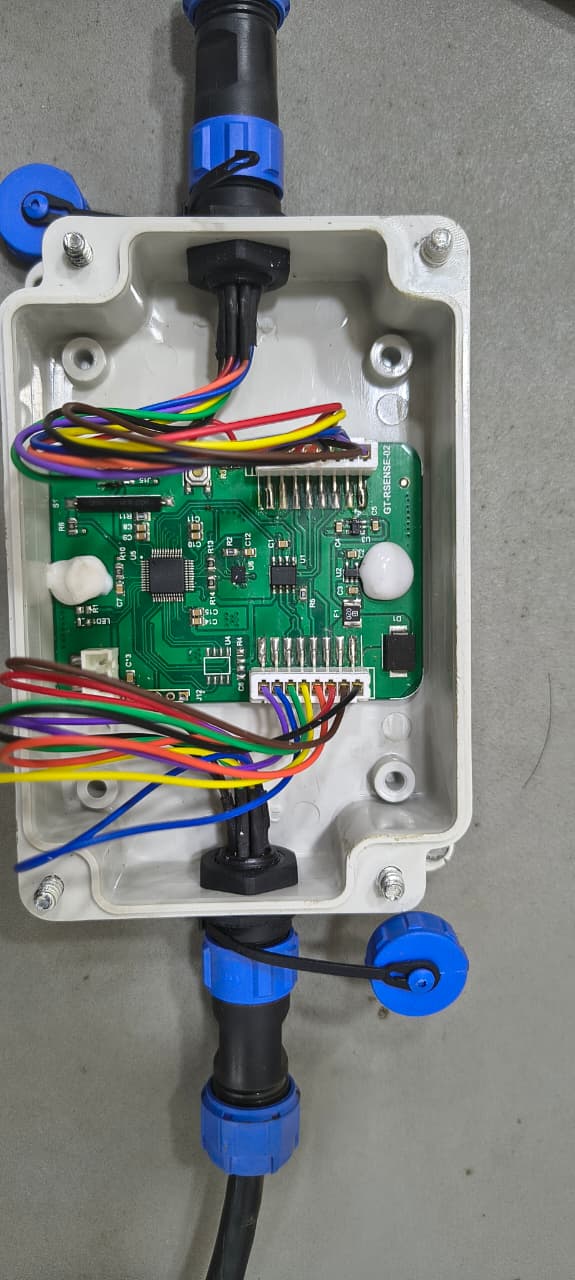
Prachir puts a MEMS vibration sensor and event classification on the fence itself. Each node decides locally whether what it felt resembles an intrusion or environmental noise, so the control room receives events worth acting on rather than a raw vibration feed.
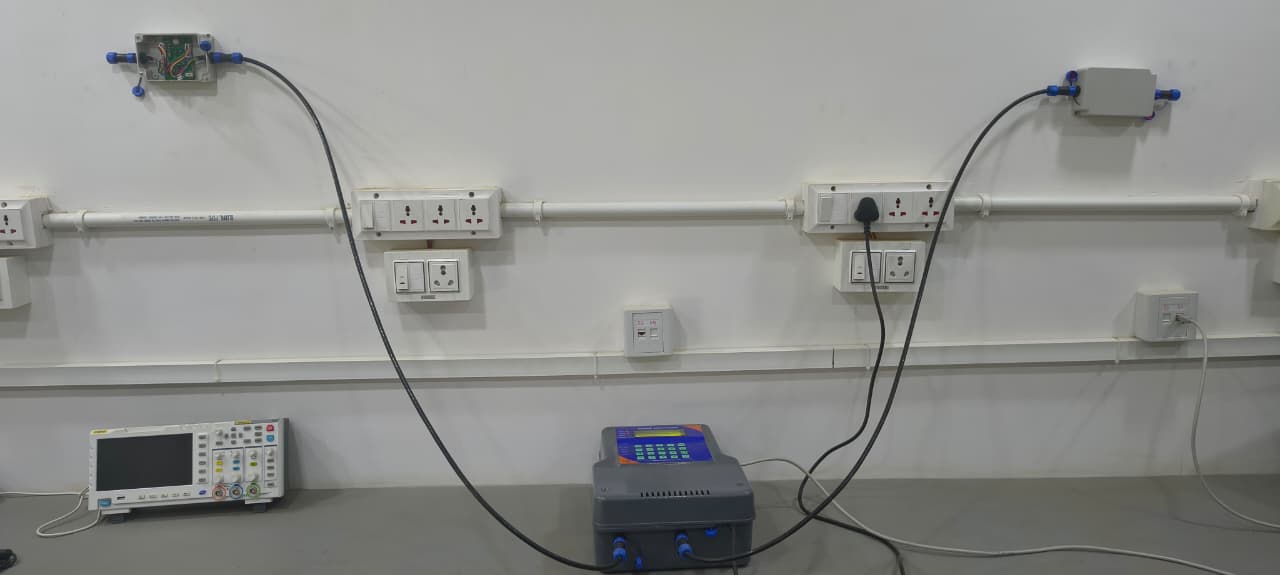
Climbing, cutting, drilling and hammer impact are each recognised as distinct events, so the operator is told what is happening — not simply that something moved.
Rain, passing vehicle traffic and animals crossing or crawling along the line are identified and discarded at the node, before they ever reach the control room.
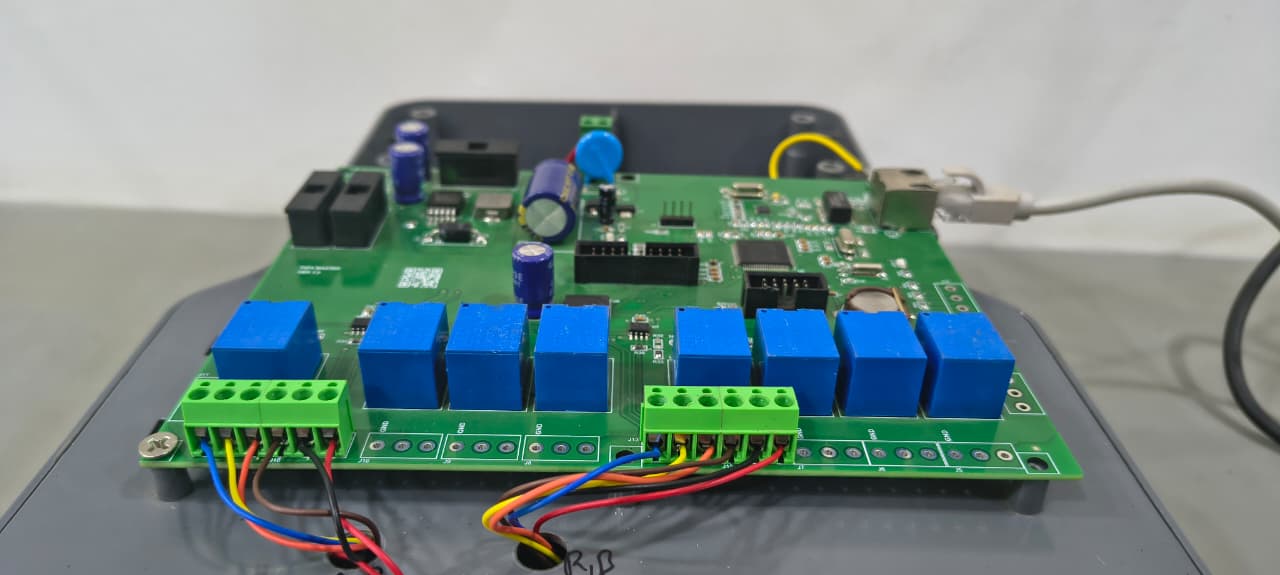
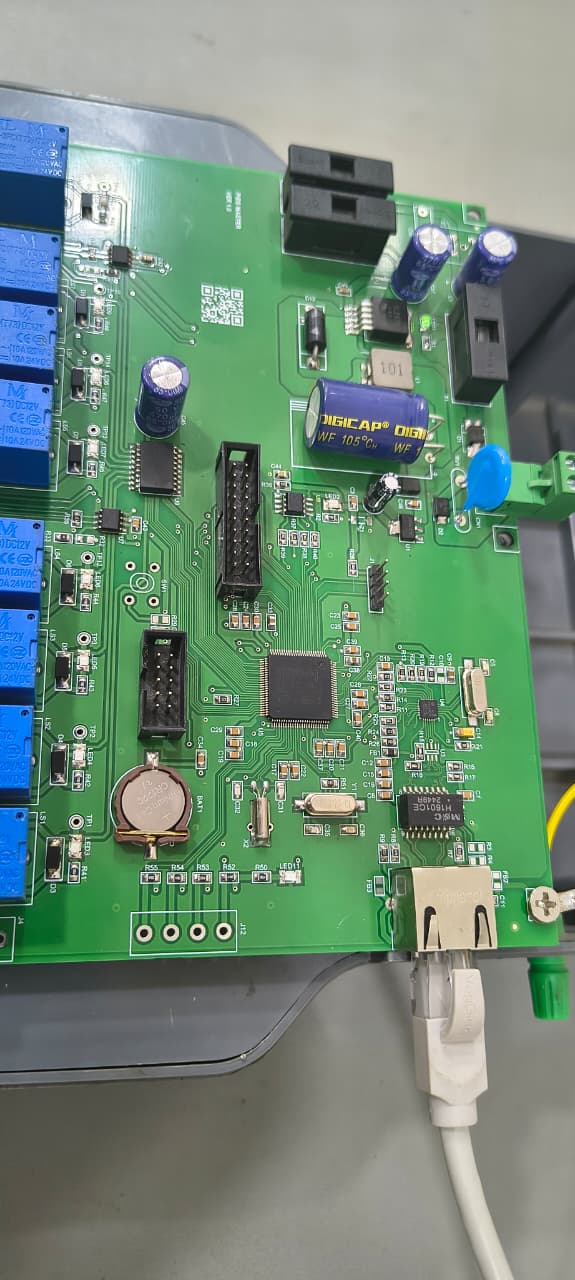
Two independent CAN channels carry up to 80 nodes each, so a single M100 covers a substantial perimeter without additional controllers.
IP67/IP68 rated node enclosures for permanent exposure to rain, dust and washdown.
Under 10 mA per node at 12 V means a full 160-node run stays within a modest power budget, which matters on sites without easy mains distribution.
Because every node is individually addressed, an event resolves to a specific point on the fence rather than to a long zone.
Events surface in the Sanchalan command and control platform, where they can be tied to camera views and recorded automatically.
| Sensing element | MEMS vibration sensor |
|---|---|
| Event classification | On-device (edge AI) |
| Alarm events | Climb, cut, drilling, hammer impact |
| Rejected as nuisance | Rain, vehicle traffic, animal movement |
| Mounting surfaces | Fencing, brick and masonry walls (not rock walls) |
| Detection radius | 3 m |
| Recommended spacing | 1.5 – 2 m (eliminates blackspots) |
| Power consumption | < 10 mA @ 12 V DC |
| Enclosure rating | IP67 / IP68 |
| Communication | CAN bus |
| CAN channels | 2 (independent) |
|---|---|
| Nodes per channel | Up to 80 |
| Nodes per master | Up to 160 |
| Power consumption | 120 mA @ 12 V DC |
| Max cable length per chain | 300 m |
| Uplink to Sanchalan | Ethernet |
| Uplink protocol | Custom TCP, AES encrypted |
Four alarm events: someone climbing the fence, cutting it, drilling into a wall, or striking it with a hammer. Each is classified separately, so the operator knows which one is happening rather than just receiving a generic alarm.
Classification happens on the node rather than at a server. Rain, passing vehicle traffic and animals crossing or crawling along the line are recognised as nuisance sources and discarded before they are reported. The operator sees events worth acting on, which is what keeps the system trusted rather than muted.
Fencing, and brick or masonry walls. Rock walls are not supported — the vibration signature does not transfer through the material predictably enough to classify reliably, and we would rather say so than sell you something that underperforms on site.
The M100 uplinks over Ethernet to Sanchalan, using a custom TCP protocol with AES encryption. That keeps event traffic on your own network and protected in transit, with no dependency on an internet connection.
Each node covers a 3 m radius, but we recommend spacing them 1.5 to 2 m apart so coverage overlaps and there are no blind spots between nodes. One M100 master handles up to 160 nodes across two CAN channels, with a maximum cable run of 300 m per chain.
Yes. Every node is individually addressed on the CAN bus, so an event identifies the specific node that detected it rather than a long fence zone. That matters when you are directing a camera or a patrol to the right place.
The node and master form a complete detection system in the field. Sanchalan is the control-room software that presents events on a map, ties them to camera views and records the footage around each event. Most deployments use both.
Tell us about the perimeter and we will walk you through how the system would be laid out, node by node.
Get in touchFibre Optic Intrusion Detection System (FOIDS)
Fibre optic perimeter detection without the cost of a DAS platform
Distributed Acoustic Sensing (DAS) FOIDS
Locate an intrusion along kilometres of fibre, not just detect one
Command, Control and Video Management Software
One screen for perimeter events and the cameras that saw them